

Included in every plan
Sell. Serve. Stay organized.
- Send invoices, take payments and set up recurring billing.
- Keep track of customers, products, services and bookings.
- Record expenses and handle sales through point of sale.
Every plan: 7-day trial · Payment details required
Prepare itemized invoices, email customers, and track outstanding balances in one workspace.
FlowPay uses Stripe for card payment processing, online and in FlowPay POS.


Samsung Pay works in person only.
Let customers pay supported FlowPay invoices and payment links through Stripe.
FlowPay POS uses Stripe Terminal for in-person card payments with a compatible reader.
See hardware that works with FlowPayCards issued outside the U.S. add 1.5%, and each dispute costs $15.
Stripe’s standard U.S. pricing as of November 2026, plus FlowPay’s 0.1% card fee. For Stripe’s current fees, see stripe.com/pricing.
 Organic Cotton Tee$28.00
 Slim Fit Jeans$68.00
 Oxford Shirt$54.00
 Wool Sweater$79.00
 Knit Beanie$22.00
 Leather Belt$38.00
Cart is empty
Tap a product to add it
Six shops, six catalogs, all in the same FlowPay POS.
Add products to Current Sale, review the total, then the customer pays on a paired Stripe Terminal reader.
This example shows a successful payment recorded against the sale, with a receipt available in FlowPay.
Card payments through FlowPay currently require an eligible U.S. Stripe account and USD transactions. Stripe account approval and completed payment setup are required. In-person payments also require a compatible reader configured for your company. Payment processing and hardware charges are separate from your FlowPay subscription.
From local shops to larger operations, FlowPay brings your business together in one place. Organize your company records, from customers, products and sales to expenses, purchasing and reporting.
Included in every plan

Included in Advanced
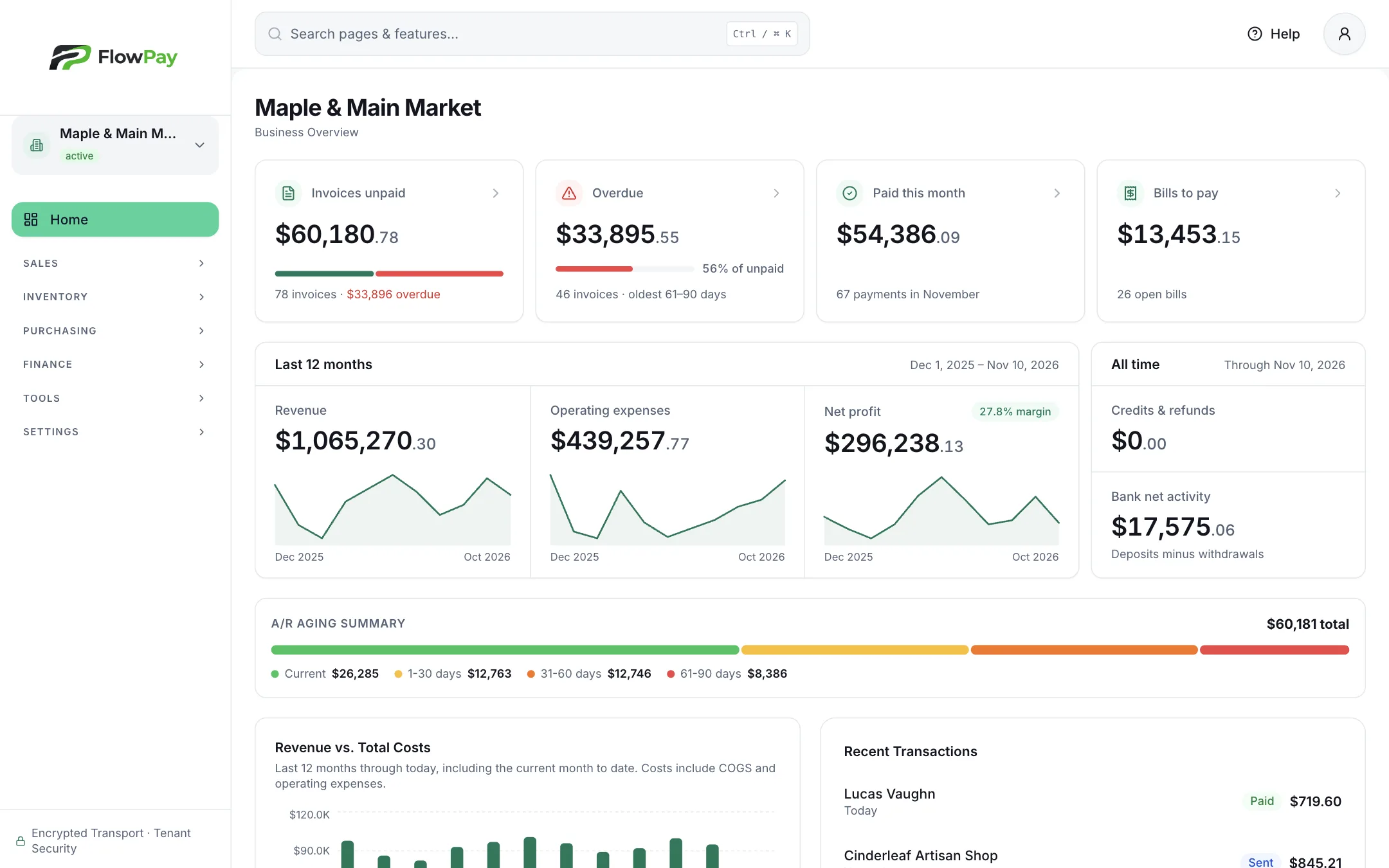
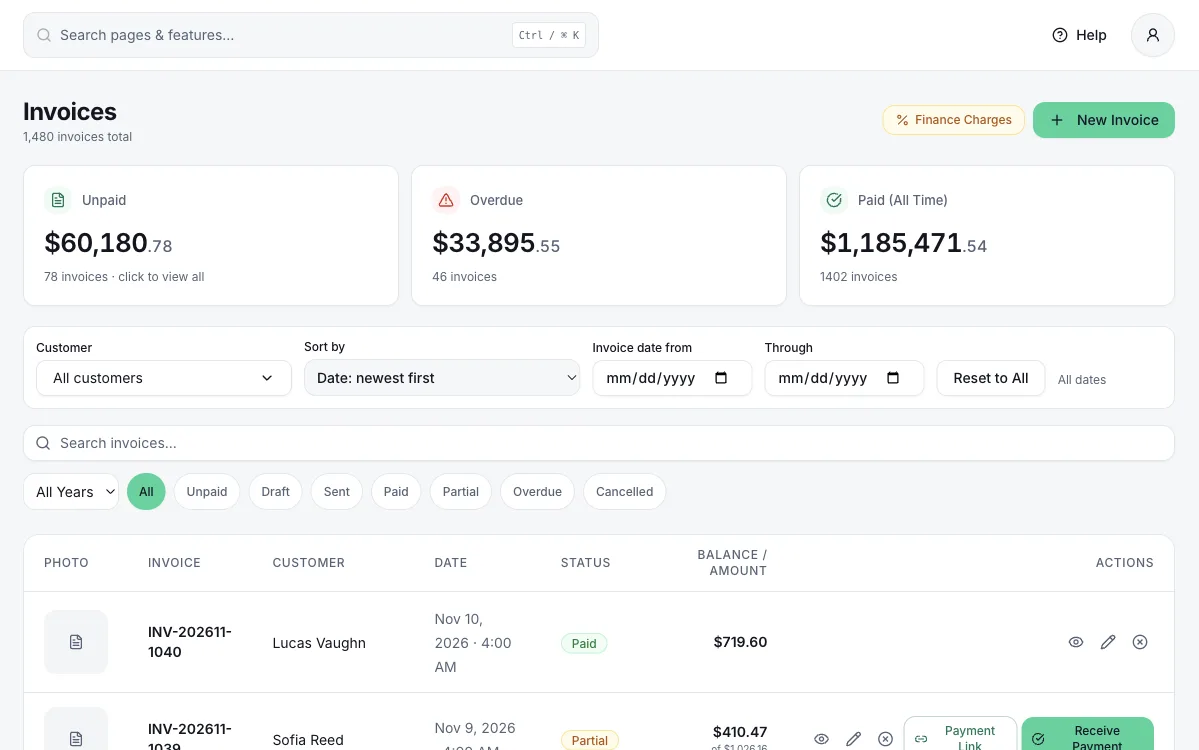
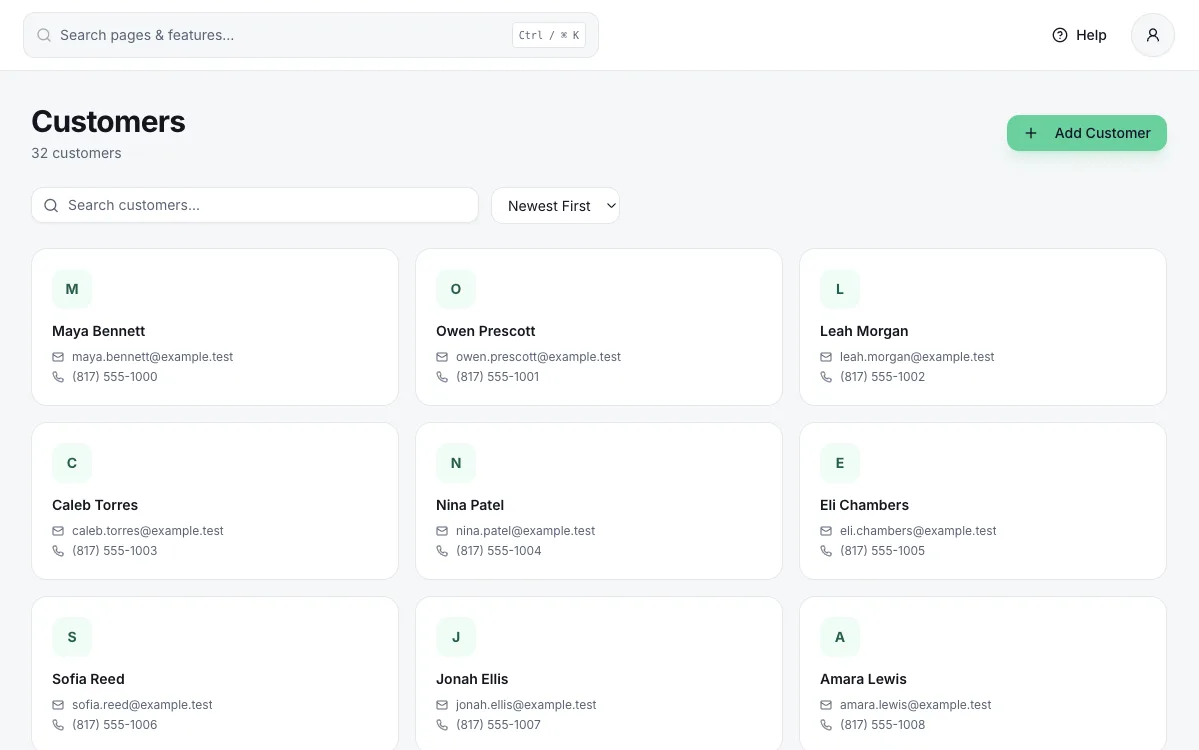
Each area below shows what it does and which plans include it.
All plans
Bill customers, collect what they owe and see what's unpaid at a glance.
All plans
Keep every customer's details together and book their appointments.
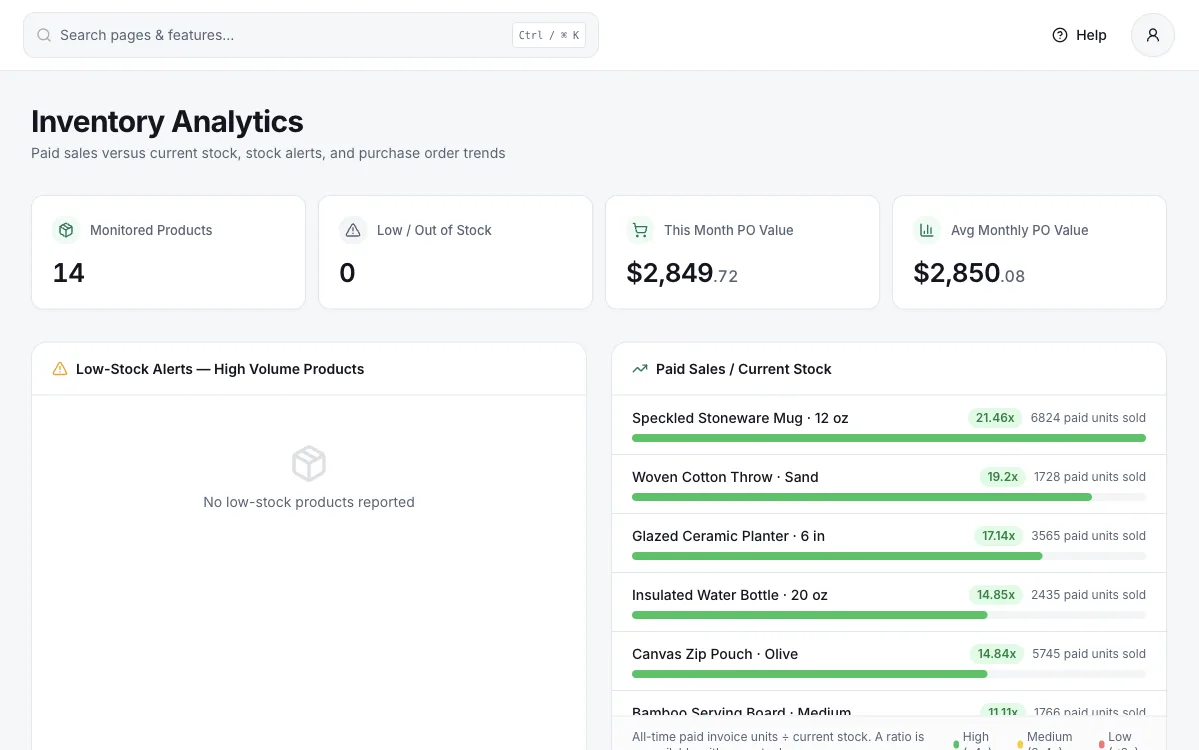
All plans
One catalog for everything you sell, and a clear view of your stock.
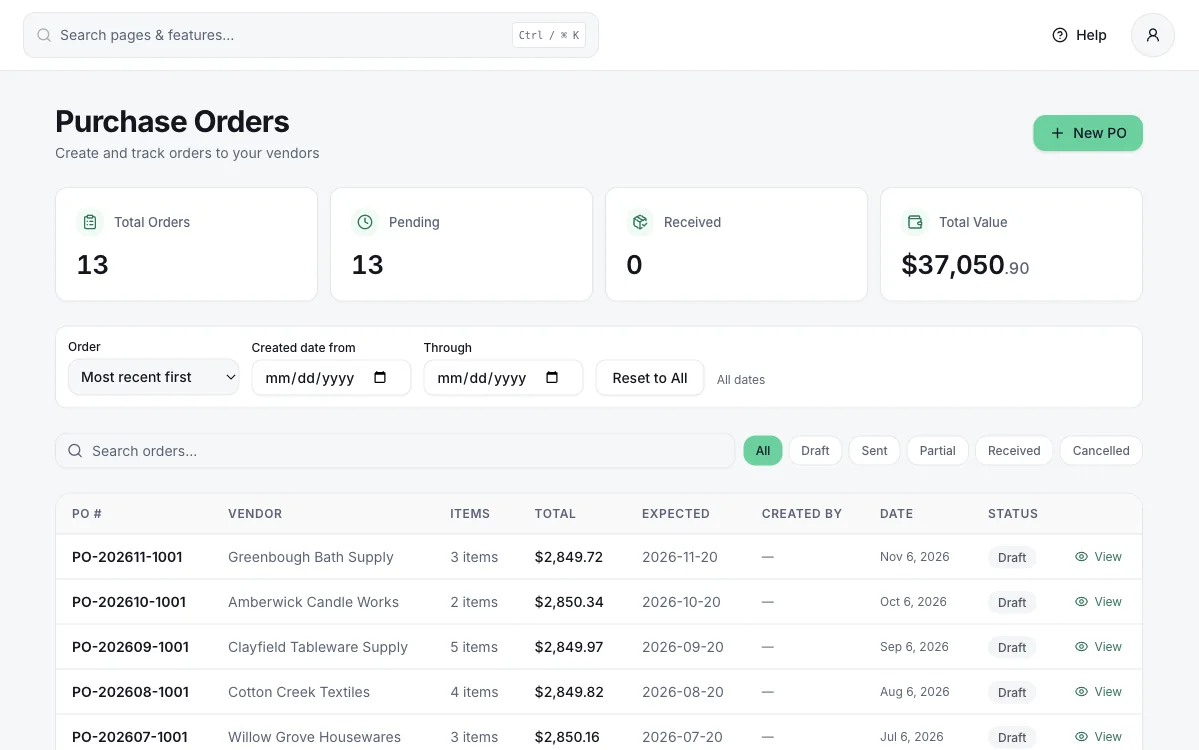
Advanced & Enterprise
Order from your vendors, receive what arrives and pay their bills.
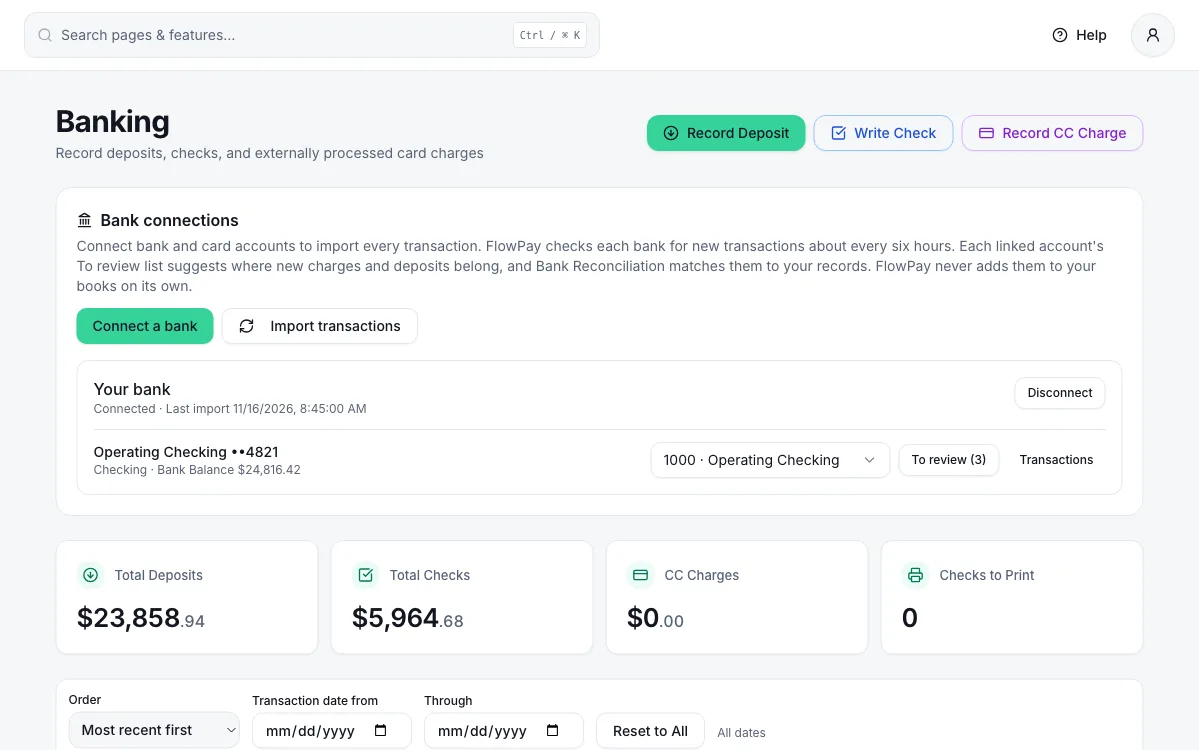
All plans
Record what moves through the bank and see where the money went.
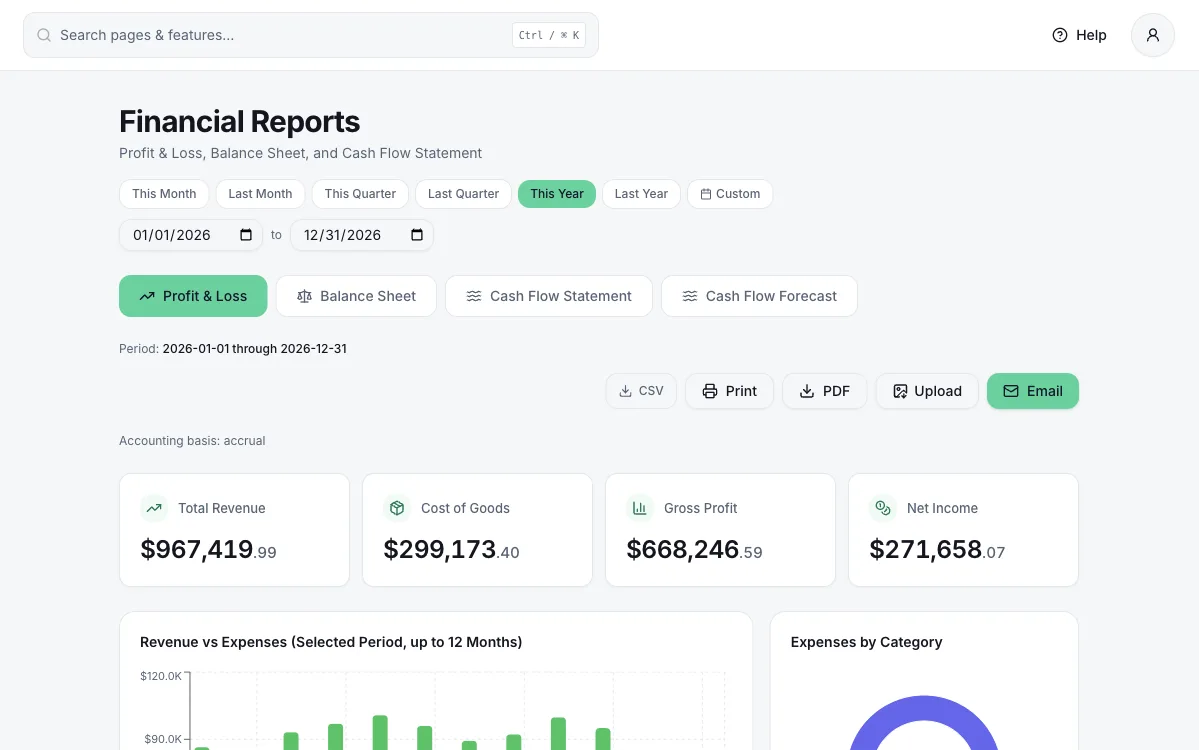
All plans
See how the business is doing, for whatever period you choose.
Screens show FlowPay’s demo company on the Enterprise plan, with sample data.
Whether you pour coffee or make fabricated products, FlowPay helps you sell, invoice and get paid.






Advanced & Enterprise
FlowPay uses Plaid to securely connect your business bank and card accounts. New transactions come in on their own and wait for your review, with a suggested account where FlowPay can tell.
Your bank sign-in happens in Plaid’s window or on your bank’s own site, so FlowPay never sees your password. It doesn’t ask for full account or routing numbers either, and disconnecting a bank ends FlowPay’s access at Plaid.
A company owner or admin connects each bank from the Banking page. Works with U.S. bank and credit card accounts that Plaid supports.
How FlowPay handles bank dataEnterprise
Quote automation helps prepare draft estimates from requests in a connected Gmail inbox. You review the customer, items and pricing before approving and sending.
Detect quote requests in your connected work Gmail.
Build a draft estimate for review; uncertain matches need attention.
An authorized user approves the draft. Sending is a separate step.
Gmail connection and setup are required. Checks while FlowPay is closed require separate background authorization and an active schedule. Quote automation needs the AI add-on and isn't available on Basic or Advanced.
Estimates drafted from your inbox.
Needs Review
1
Ready for Approval
1
Sent
0
Quote request: deck and planter wall
Cedar Ridge Builders · fictional customer
From: Cedar Ridge Builders
Hi, could you quote materials for a backyard deck and planter wall? We need 60 2x4 studs, 14 sheets of plywood, 4 boxes of deck screws, 120 concrete blocks and 400 red bricks. We’d pick up Thursday morning. Thanks!
Five requested items collected in a draft estimate.
Estimate for Cedar Ridge Builders
Human review and approval required before sending.
Not sentExplore a test company with fictional customers, invoices and business activity. One-time email access gives you two hours to look around, with no credit card required.
Every plan starts with a 7-day trial. Each company has its own subscription.
For cafés, shops and service businesses that ring up sales, send invoices and track expenses.
$50/ month
Includes:
For growing businesses that buy from vendors, reconcile bank accounts and track profit.
$175/ month
Everything in Basic, plus:
For larger businesses that send estimates, record payroll and keep a general ledger.
$320/ month
Everything in Advanced, plus:
Payment details are required for the trial. Your selected monthly plan renews automatically after 7 days unless you cancel before the trial ends.
Stripe billing currently uses sandbox test payments. No real charges are made.
$20.00 per enabled user / month, billed with your company plan. Includes a monthly credit allowance.
Assistant access is assigned to named users. Each enabled user receives a monthly credit allowance; credits do not roll over and there are no automatic overage charges. Add seats during signup or later in Subscriptions.
| Feature | Basic | Advanced | Enterprise |
|---|---|---|---|
| Monthly price | $50 | $175 | $320 |
| Customers | Up to 500 | Unlimited | Unlimited |
| Support | Priority | Priority | |
| Point of sale, tips, gift cards & discounts | Included | Included | Included |
| Daily sales, tax, tips, profit & best sellers | Included | Included | Included |
| Invoices, recurring invoices & payment links | Included | Included | Included |
| Products, stock tracking & expenses | Included | Included | Included |
| Vendors, purchase orders & bills | — | Included | Included |
| Banking & bank reconciliation | — | Included | Included |
| Profit & loss and sales tax reports | — | Included | Included |
| Inventory analytics & customer statements | — | Included | Included |
| Estimates, plus quote automation with the AI add-on | — | — | Included |
| General ledger, balance sheet & cash flow | — | — | Included |
| Payroll records & sales commissions | — | — | Included |
| Assemblies, check writing & asset tracking | — | — | Included |
Choose a plan, complete your company setup and enroll through Stripe. The trial lasts 7 days. Payment details are required, and the selected monthly plan renews automatically unless you cancel. Billing is currently in sandbox test mode, so no real charges are made.
Yes. Open the demo for a fictional company you can explore right away, with no account, email or code. The demo does not require a credit card, and its sample data is separate from real company records.
Quote automation is available on Enterprise with the AI add-on, $20 a month per company on top of the plan. It is not available on Basic or Advanced. It prepares draft estimates from connected Gmail requests; a permitted user must review and approve a draft before a separate sending step.
The optional AI add-on, $20 a month per company on any plan, turns on receipt scanning, expense category suggestions and CSV column mapping, and on Enterprise, Email Quote Automation. It includes a monthly AI allowance. Without it those features are off; everything else in your plan works as usual.
FlowPay is designed for small local businesses, growing teams and larger operations across many industries, including retailers, cafés, professional services, trades, wholesalers and manufacturers. Basic supports up to 500 customers. Advanced removes that customer-count limit and adds purchasing, banking and reporting. Enterprise adds estimates, quote automation, payroll records and the general ledger. Choose the plan for your records and workflows.
Import tools are included for the features in your plan. Larger company files and complex accounting migrations require source-data review, validation and reconciliation. File, record and format limits apply; native QuickBooks company files require a desktop bridge.
Company currency settings support business records in a choice of currencies. Card payments through FlowPay currently require an eligible U.S. Stripe account and USD transactions. Connected services have their own country and provider requirements.
Each new company uses a separate owner account and email, with its own subscription and billing. Existing authorized company access remains available. Sign in to the destination account when switching companies.